- Osome
- MCP
Your AI assistant, now
fluent in your business.
Connect Claude, ChatGPT, or Gemini directly to your Osome books. Ask questions, upload receipts, and manage invoices without switching tabs.

150+ countries served







 OAuth 2.1 Secured
- Zero training on public models
 2-minute setup
Your books,
answerable in plain English.


Ask questions about your books and upload receipts or invoices directly in Claude, ChatGPT, or Gemini. No need to switch apps.
Built for how you run your business
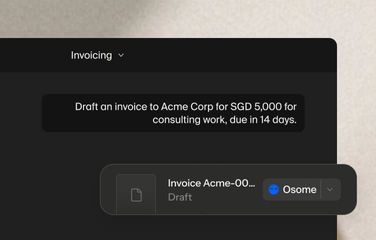
Draft and send customer invoices
Create, preview, and issue invoices without opening your accounting portal.
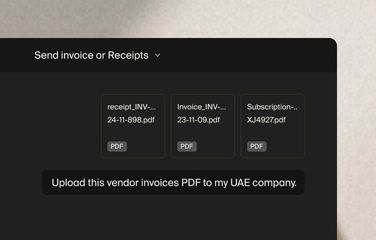
Drop receipts straight into your books
Send PDF invoices or receipt images directly to your Osome document pipeline.
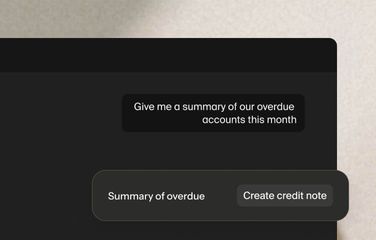
Track who owes you money
Pull revenue summaries and overdue receivables on demand.


How to connect in
4 simple steps
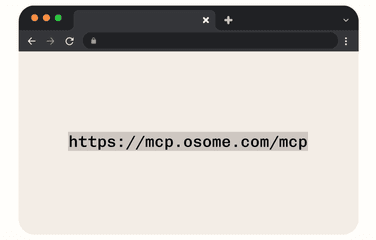
Copy your MCP link
Copy your dedicated Osome server URL (https://mcp.osome.com/mcp) from your settings.
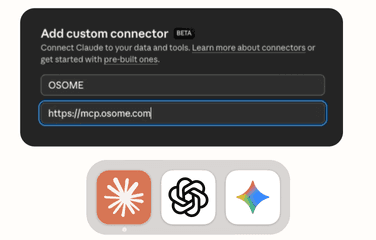
Open your AI tool
Open Claude, ChatGPT, Gemini, or Cursor and paste the URL into the Developer or MCP tools tab.
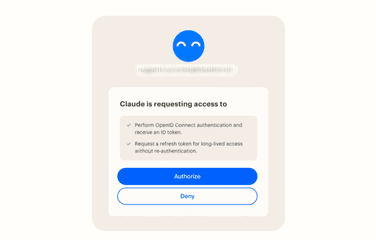
Log in securely
A popup opens. Sign in with your Osome credentials to approve OAuth 2.1 access.
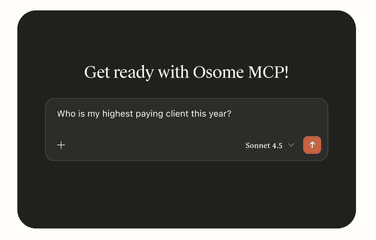
Start asking questions
All set. Ask your assistant about your finances, upload files, or review invoices.


Answer bookkeeping questions without leaving chat
Your accountant asks in Osome, you reply in Claude, and the answer stays with the transaction.

FAQ
Does my AI assistant change my accounts automatically?
No. Osome MCP operates on a strict confirmation model. For actions like categorising transactions or issuing invoices, your assistant displays Osome's recommendation first and waits for your explicit confirmation before updating your ledger.
Do I need coding skills or API keys to set this up?
Not at all. Connecting takes under two minutes. You simply copy our MCP link into your AI tool, log in with your standard Osome credentials, and approve the connection.
Which AI tools are supported?
Osome MCP works natively with any application supporting the Model Context Protocol standard, including Claude Desktop, Claude Code, ChatGPT, Gemini, Cursor, VS Code, and Windsurf.
Is my financial data used to train public AI models?
No. Your financial data remains strictly confidential. All data requests are authorized via OAuth 2.1, and your information is not shared or used for LLM model training.
What permissions does the connection use?
The connection uses your existing Osome account permissions. Reading financial statements uses your standard read permissions, while uploading documents or posting transaction comments uses the document write permission you already approve for your Osome workspace.
What happens if a transaction is already reconciled?
Osome MCP automatically protects reconciled data. If you ask your assistant to modify a verified transaction, the tool blocks the change and directs you to review it inside the Osome app.
Unified AI platform
for global growth
Company management
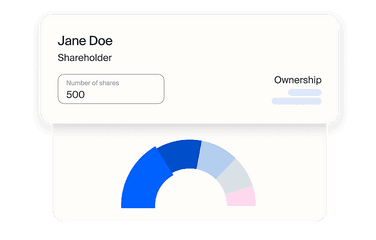
Manage share moves, director updates, and corporate secretarial filings completely online.
AI bookkeeping
Connect global banks and let AI match receipts from email or Google Drive into a verified ledger.
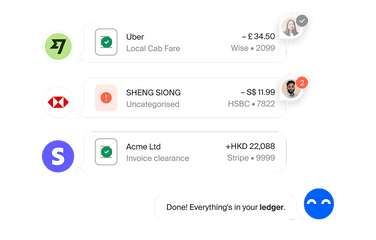
Smart invoices
Create and send multi-currency invoices to customers globally. Cleared invoices match automatically to open invoices.
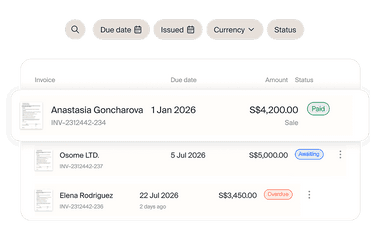
Business insights
See real-time cash positions and export investor-ready reports with clear verification confidence labels.
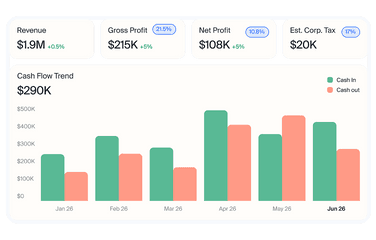
Integrations & automation
Sync Stripe, banks, and cloud storage once. Eliminate double entry and let data move itself.
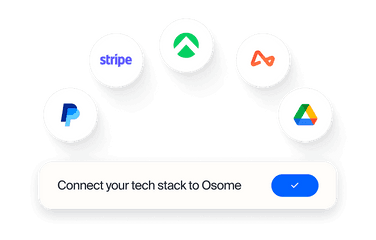
Workflows & support
Stay ahead of regulatory deadlines with proactive support. Ask our AI assistant or connect to human experts in a click.


Ready to talk to your books?
Connect your AI assistant to Osome today. Setup takes under two minutes.

We’re using cookies! What does it mean?